About the Sepia 1920 look
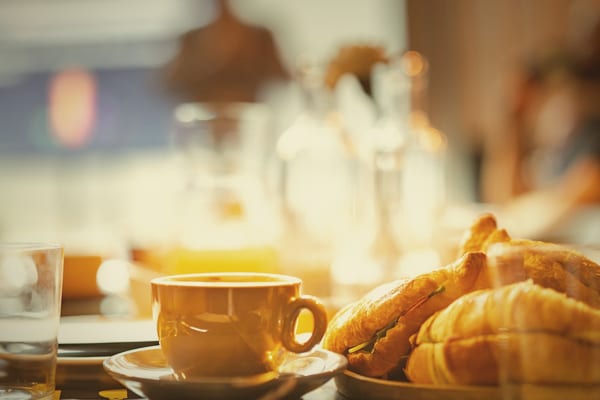
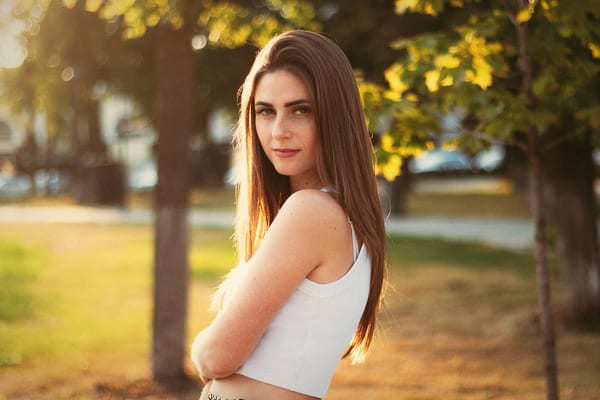
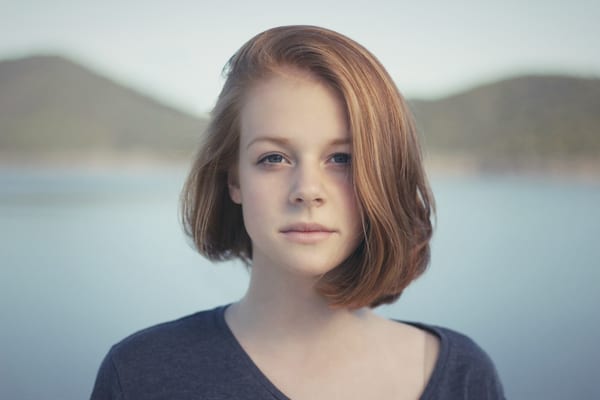
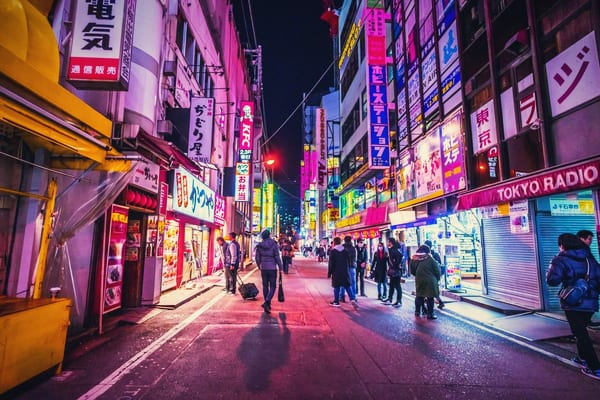
Sepia 1920 turns a photo into an antique: a brown sepia tone, milky blacks, dimmed whites, heavy vignetting and the softness of an old lens. It's the look of century-old portraits in a family album.
What it does
- Warm brown sepia toning
- Faded blacks and dimmed whites
- Heavy vignette and soft focus
- Coarse grain
Best for
- Antique and old-photo edits
- Historical themes and invitations
- Portraits with a timeless feel
Use Sepia 1920 on videos
Click Get LUT in the editor to download Sepia 1920, including your Warmth and Fade changes, as a 33-point .cube file. Import it as a LUT in CapCut, Premiere Pro (Lumetri), Final Cut Pro, DaVinci Resolve or Lightroom to give your clips the same color.